

Link
A player connects their Freecash account from inside your game. You are paid per verified
link.
Reward Progression
An in-game screen showing what a player has to do, how far along they are, and what they
have earned.
Offers
An Earn Tab of other games to install and earn from. You are paid a CPA when a player
reaches a milestone.
Link
What the player sees. An entry point in your game, usually a button on a screen you already have. Tapping it opens the Freecash linking flow in a secure browser. They link, and come back.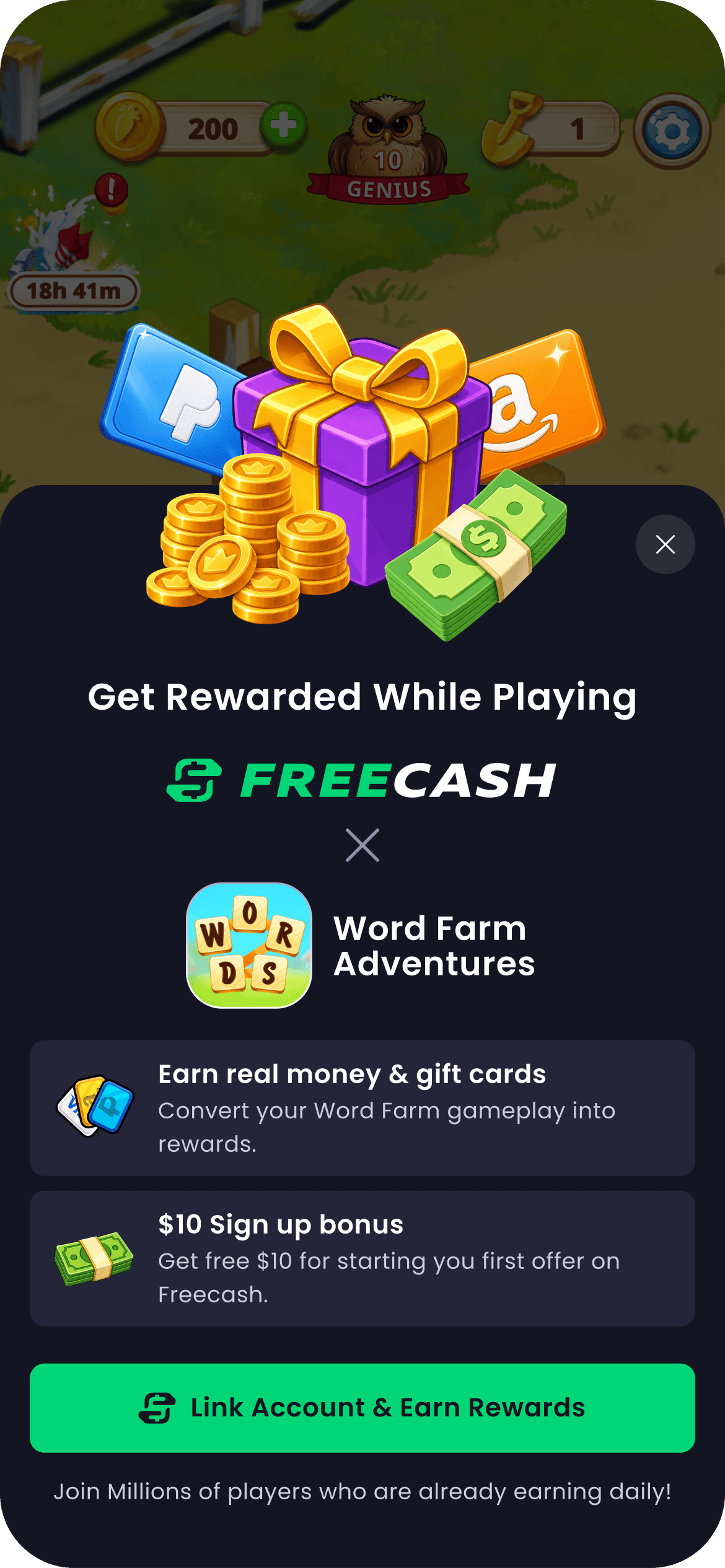
The Almedia Link popup, captured in a live session.
Reward Progression
What the player sees. An in-game screen listing the tasks they need to complete in your game, their progress against each, and what they have earned on Freecash. Reward notifications arrive as cards when they earn something, in the SDK’s style or re-skinned to yours. Where it sits. It wants a permanent, findable home — typically a button on your main screen. If you shipped Link with a prebuilt button, you already have it: the same button becomes the rewards entry once a player links. What it is best at. Retention. It keeps the reward visible where the playing happens, instead of on a website the player has to remember to open. Constraints. It renders only for players Almedia recognises — players who linked, and players acquired through Almedia UA campaigns, who are treated as already linked. Everyone else never sees the entry point. Task progress depends on your MMP events flowing; without them the list does not tick.Offers (Earn Tab)
What the player sees. Other games to install and earn from, and what each one pays. Games with an offer already in progress show what is left to earn, which is what brings players back to the tab. Where it sits. Two places. Inside the reward hub as an Earn Tab, which is the default. Or surfaced directly as a screen, at a moment you choose, through a single call from your own UI. What it is best at. A second revenue stream on top of Link. You are paid a CPA for each install that reaches its milestone. Constraints. Offer availability is per player and changes over time — a player may have an offer this session and none the next. Asking the SDK to show one when there is none simply does nothing, so your UI never dead-ends. The Earn Tab also has to be enabled by Almedia for your integration, and needs your in-game currency name, reward amount and artwork before it can be personalised.Seeing it end to end
Choosing a placement
Four things decide whether a placement works. Put it where attention already is. A screen players reach anyway beats a screen built for the purpose. The entry point competes with whatever else is on that screen, not with the rest of your game. Give Reward Progression a permanent home. Its value is being visible between sessions. A button that only appears after a reward is earned defeats the point. Let the SDK decide who sees what. Every experience hides itself from players who should not see it. Building your own eligibility or audience-gating logic on top is the single most common piece of wasted work in an integration, and it goes stale the moment Almedia enables a new country. Pick the moment, not the frequency. Surfacing an offer screen is a single call you make when it suits your game. There is nothing to rate-limit on your side.Creative, copy and timing — what the popup says, when it fires, how the button looks — are
covered in the best-practices guide, which carries the measured
results behind each recommendation.
Unfamiliar with a term on this page? The glossary explains the vocabulary used across this site.